

ZumChef Owner App
A little closer to your business.
Your restaurant.
Always with you.
From the first order to the last check. Keep sales, payroll, and invoices close, wherever your day takes you.
CHOOSE YOUR DEVICE
Sign in with your existing ZumChef business account.
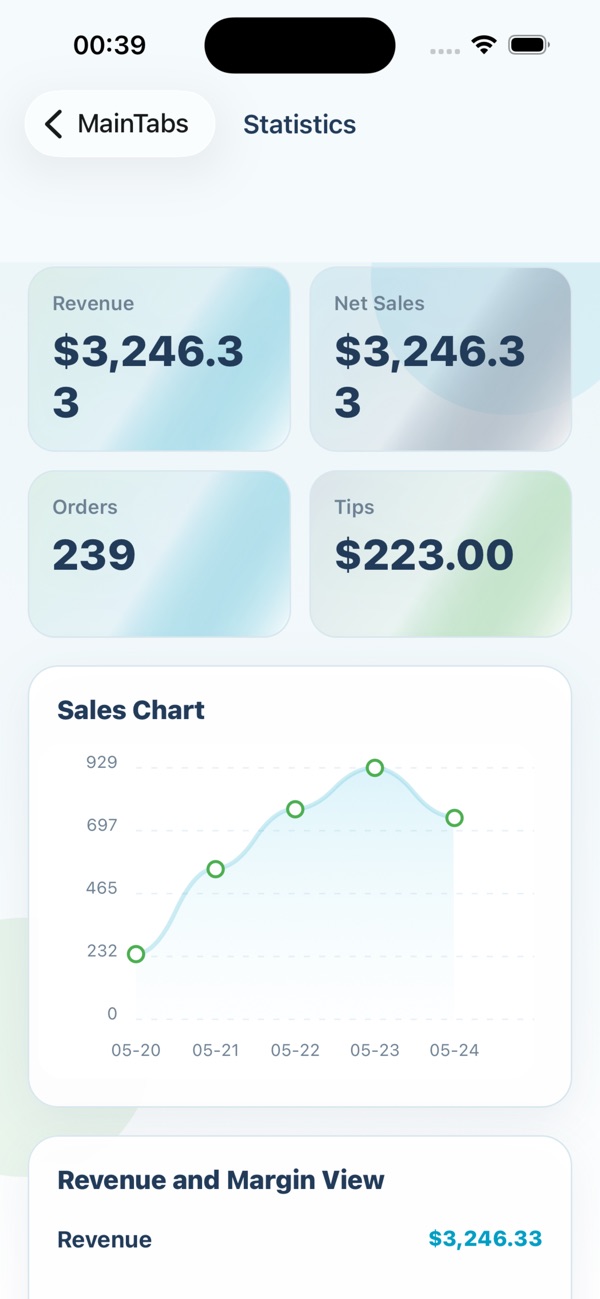
A QUICK START
A few taps. And you’re in.
Choose your device above, then follow the steps to get ZumChef ready for your next day of business.
Need help? Talk to our teamInstalling on Android
- 01
Download the APK
Tap the Android download button on your phone or tablet. Wait for the file to finish downloading.
- 02
Open & install
Open zumchef-owner.apk from Downloads. If prompted, allow your browser or file manager to install the app, then tap Install. You can turn this permission off afterward.
- 03
Make yourself at home
Open ZumChef and sign in with your business account. Need access? Our support team can help.
Installing on iPhone or iPad
Tap the App Store button above. The app is listed as ZumChef. Tap Get to install, then open the app and sign in with your business account.